If someone asks ChatGPT or Gemini for a recommendation and clicks through to your website, does that show up anywhere in your reporting? For most businesses, until recently, the honest answer was "sort of, buried under Direct or Referral, unlabelled and invisible."
That's changed. GA4 now has a dedicated "AI Assistants" channel sitting inside the Default Channel Group, and Google Search Console has been expanding its own AI-specific reporting for AI Overviews and AI Mode. If you haven't gone looking for either, you're almost certainly undercounting a traffic source that's only going to grow.
If someone asks ChatGPT or Gemini for a recommendation and clicks through to your website, does that show up anywhere in your reporting? For most businesses, until recently, the honest answer was "sort of, buried under Direct or Referral, unlabelled and invisible."
That's changed. GA4 now has a dedicated "AI Assistants" channel sitting inside the Default Channel Group, and Google Search Console has been expanding its own AI-specific reporting for AI Overviews and AI Mode. If you haven't gone looking for either, you're almost certainly undercounting a traffic source that's only going to grow.
Key summary
- GA4 now has a dedicated "AI Assistants" channel in the Default Channel Group, capturing referral traffic from tools like ChatGPT, Gemini, and Claude
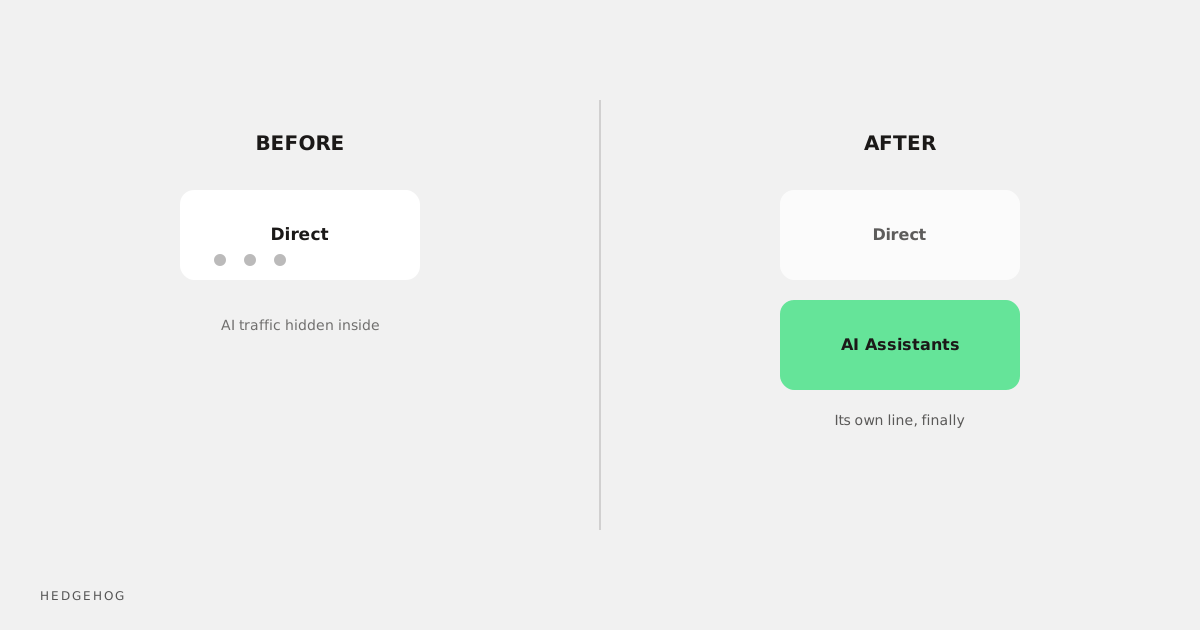
- Before this existed, AI-assistant traffic was typically lumped into Direct or generic Referral, making it invisible in standard reports
- Google Search Console has separately expanded its AI Overviews and AI Mode reporting, though it currently shows impressions without a full click/query breakdown
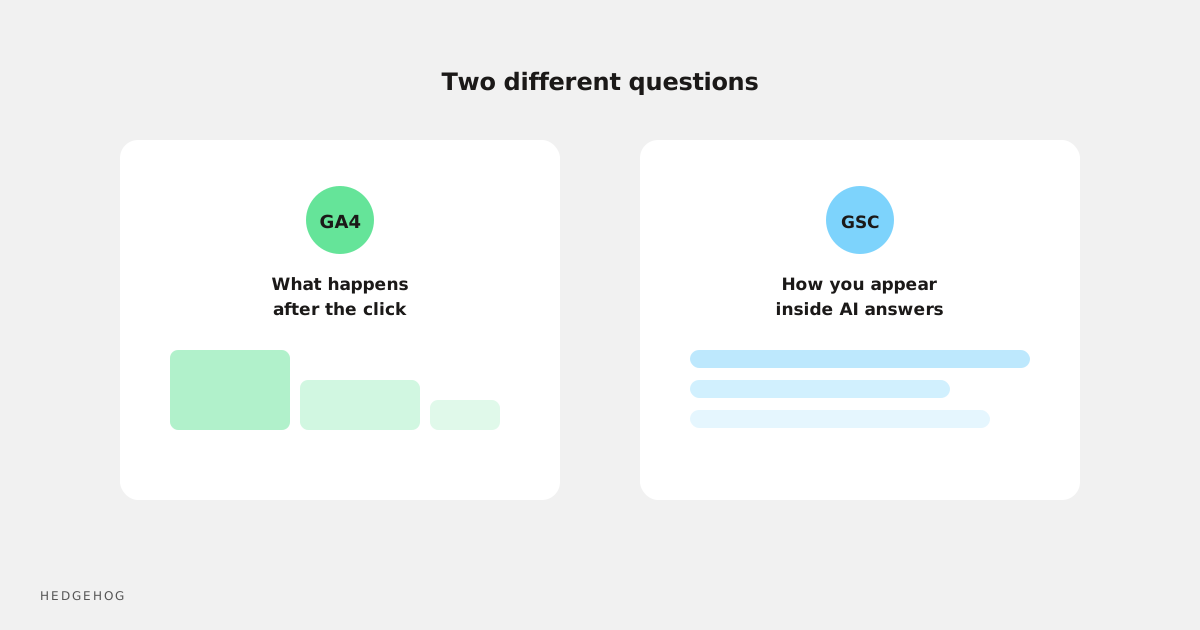
- These are two different data sources answering two different questions: GA4 shows what happens after someone lands on your site, GSC shows how you're appearing inside Google's own AI surfaces
- Neither system is complete yet: treat both as directionally useful rather than perfectly precise
- The practical step is simple: check whether your GA4 property is actually picking up the AI Assistants channel, and start watching it as its own line, not folded into "Other"
Why AI referral traffic was invisible until now
Google Analytics has always classified traffic based on referrer data: the URL a visitor came from before landing on your site. The trouble is that AI chat tools don't always pass referrer information the same way a normal website link does. Some app-based AI assistants show up as Direct traffic because there's no referrer at all. Others got bucketed generically under Referral, indistinguishable from a random blog linking to you.
That meant a new and growing source of traffic, someone asking an AI assistant a question and clicking through to your site as the answer, was sitting there unlabelled the whole time. You couldn't see it grow, couldn't measure its conversion quality, and couldn't make a case for optimising for it, because it wasn't a line item anywhere.
What the new GA4 AI Assistants channel actually shows
The AI Assistants channel is now part of GA4's Default Channel Group, sitting alongside the traffic sources you already know: Organic Search, Paid Search, Direct, Referral, and so on. It's designed to catch referral traffic specifically from AI chat tools rather than lumping it in with everything else.
In practice, this means you can now go into your standard GA4 acquisition reports and see, as its own row, how much traffic is arriving because an AI assistant sent someone your way. You can compare its volume against other channels, check engagement metrics, and see whether it converts.
It won't be perfect. Attribution across AI tools is still a moving target industry-wide, and some traffic will inevitably still get misclassified. But having a labelled channel at all is a meaningful step up from nothing.
Where Google Search Console fits in
GSC's role is different. Rather than showing what happens on your website, it shows how your content is appearing inside Google's own AI features: AI Overviews and AI Mode. Google has been expanding this reporting through 2026, giving site owners visibility into impressions generated when your content is surfaced or cited within an AI-generated answer.
The catch, as of now, is that this reporting shows impressions without a full per-query click breakdown. You can see that your content is being used inside AI Overviews, but not always exactly which query triggered it or how many people clicked through as a result. Treat it as a visibility signal rather than a complete performance report.
Setting these up isn't automatic in every property
Don't assume this data is flowing correctly just because Google announced the feature. Check your own GA4 property directly:
- Go into your Acquisition reports and look for the AI Assistants channel under Default Channel Group
- If you're not seeing it, or the numbers look suspiciously low, some AI-assistant traffic may still be misattributed to Direct or Referral in your account
- In Search Console, check whether the AI-related reporting sections are populated for your property, since rollout has been gradual rather than universal
If either is missing or clearly under-reporting, don't panic. This is still an evolving area of measurement across the whole industry, not just your account.
What to actually do with this data
Once you can see AI-assistant traffic as its own channel, use it the same way you'd use any new acquisition channel:
- Benchmark its current volume so you have a baseline to track growth against
- Check its engagement and conversion behaviour compared to your other channels: early signs suggest AI-referred visitors can behave differently, sometimes arriving with a clearer intent already formed
- Look at which pages are being surfaced in AI Overviews via Search Console, and consider whether that content is your best foot forward for someone arriving from an AI-generated answer
- Revisit your content structure with an eye to being a good source for AI summarisation: clear, direct answers near the top of a page tend to get pulled into these surfaces more often
This isn't a channel to obsess over yet, given how new and imperfect the measurement is. But it's a channel worth watching, especially if you're in a category where people ask AI assistants for recommendations before searching directly.
Frequently Asked Questions
How do I see AI traffic in GA4?
Look in your GA4 Acquisition reports for the "AI Assistants" channel under the Default Channel Group. If your property doesn't show it, some AI-referral traffic may still be misclassified as Direct or Referral.
Does Google Search Console show clicks from AI Overviews?
Currently, GSC's AI-related reporting shows impressions for AI Overviews and AI Mode, without a complete per-query click breakdown. It's a visibility signal rather than a full performance report at this stage.
Why was my ChatGPT traffic showing up as Direct traffic before?
Many AI chat tools don't pass standard referrer data the way a normal website link does, so analytics platforms historically had no reliable way to attribute that traffic to its real source, and it defaulted to Direct.
Is AI-referred traffic worth optimising for?
It's early days, but the category is only growing. If your industry is one where people ask AI assistants for recommendations, it's worth benchmarking now so you're not starting from zero once it becomes a meaningful share of traffic.
Will this reporting keep changing?
Almost certainly. Both GA4's channel classification and Search Console's AI reporting are actively evolving as Google works out how to measure a new kind of traffic. Treat current numbers as directionally useful, not final.
Wrapping up
AI-assistant traffic has been arriving on your website for a while. It's the visibility that's new, not the traffic itself. Check your GA4 property for the AI Assistants channel, glance at what Search Console is showing for AI Overviews, and start treating this as a channel worth watching rather than background noise you can't see.