#Why Website Accessibility Matters in 2025
The rise of lawsuits in the U.S. is a strong indicator of what’s coming globally. Australian businesses aren’t immune: our Disability Discrimination Act 1992 applies to websites, and legal complaints can (and do) arise locally.
Beyond legal risks, accessibility is good business: one in five Australians lives with a disability. An accessible website reduces risk, expands your audience, builds trust, and boosts SEO.
#Understanding the Legal Landscape
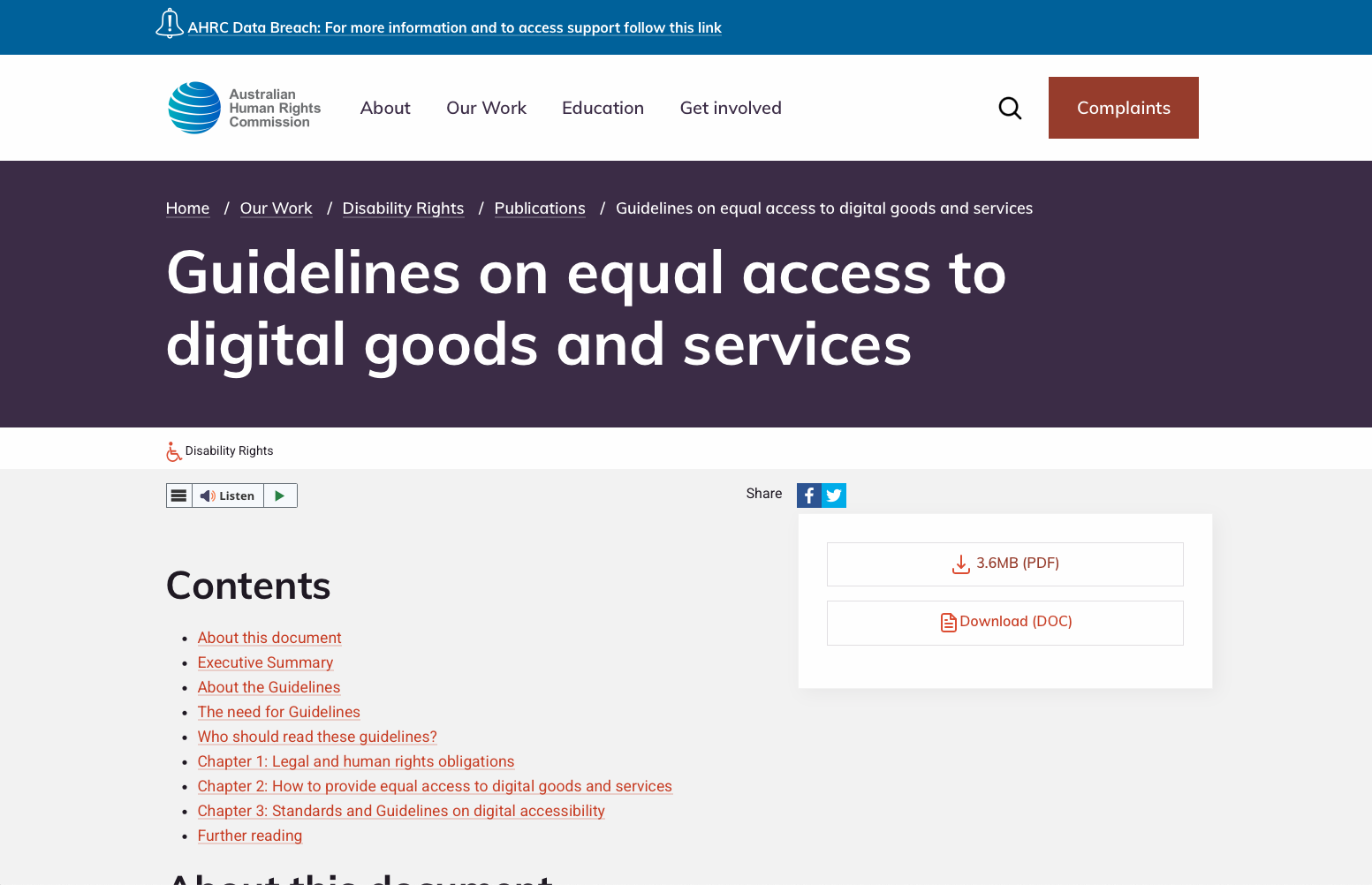
The Web Content Accessibility Guidelines (WCAG) remain the global standard for accessibility, setting out three levels of compliance-A, AA, and AAA. Most businesses should aim for at least WCAG 2.1 AA compliance.
Recent cases highlight four key principles businesses must meet:
- Perceivable: Provide text alternatives for images and ensure adaptable content.
- Operable: Full keyboard navigation and enough time for users to interact.
- Understandable: Clear, simple language and easy-to-use forms.
- Solid: Compatibility with a wide range of devices and assistive tech.
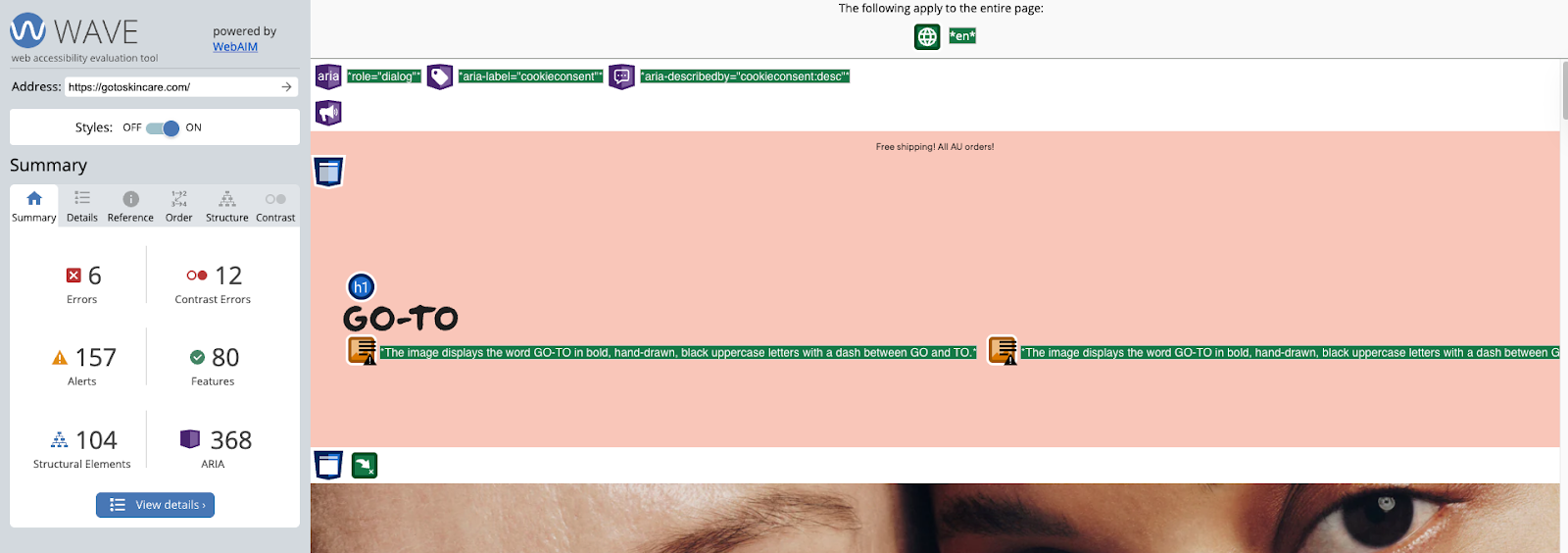
👉 Curious what actually triggers lawsuits? Grab our Quick Guide: Common Accessibility Lawsuits & How to Avoid Them - a simple breakdown of the most common accessibility errors (and how to fix them fast).
#Practical Steps to Reduce Legal Risk
- Audit Your Website - Run accessibility checks against WCAG standards, using both automated tools and manual reviews.
- Add Alt Text to Images - Screen readers rely on descriptive alt text to interpret visual content. This simple step is often the first issue cited in lawsuits.
- Ensure Full Keyboard Navigation - From menus to checkout, every interaction should work without a mouse. Test this regularly.
- Check Colour Contrast and Text Resizing - Strong text/background contrast and resizable fonts ensure usability for low-vision users.
- Make Forms Accessible - Use clear labels, instructions, and error messages that screen readers can interpret.
- Provide Captions and Transcripts
Videos, webinars, and podcasts must include captions or transcripts to remain compliant. - Publish an Accessibility Statement
Outline what your business is doing to ensure inclusivity and provide users with a way to report issues.
👉 Want a quick way to check your own site? Download our free Website Accessibility Compliance Checklist - a one-page guide based on WCAG standards to help you spot the most common risks before they become legal issues.
#Australian Accessibility Tools and Resources
- Vision Australia’s Accessibility Tool: WCAG testing for websites.
- WAVE Accessibility Evaluation Tool: Real-time accessibility checker.
- NVDA (NonVisual Desktop Access): Free screen reader for testing user experience.
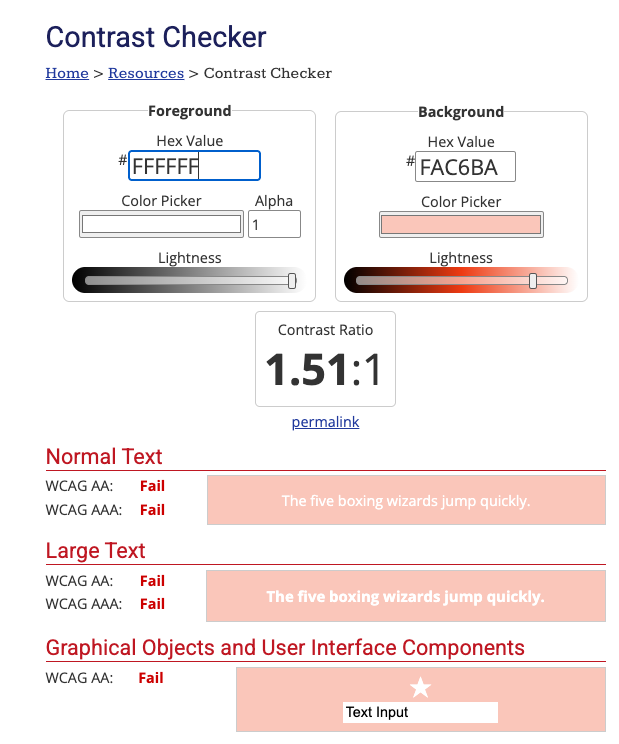
👉 Don’t know where to start? Use our Accessibility Testing Toolkit - a curated list of free tools you can run today to test your site like a real user.
#Conclusion
The surge in accessibility lawsuits in 2025 shows that compliance is essential. From SKIMS to small online stores, businesses across the world are being held accountable.
For Australian businesses, the lesson is clear: take proactive steps now. By aligning with WCAG standards, conducting regular audits, and embedding accessibility into your digital strategy, you’ll protect your business, expand your reach, and create a better online experience for all Australians.
To help Australian businesses take action, we’ve created three free resources you can use right now:
- ✅ [Website Accessibility Compliance Checklist] - a one-pager to make sure you’re covered.
- ✅ [Quick Guide: Common Accessibility Lawsuits & How to Avoid Them] - plain-English fixes to the issues most often cited in court.
- ✅ [Accessibility Testing Toolkit] - links to free tools for hands-on testing.
Download them today and start making your website accessible, compliant, and inclusive.
This guide is written by Hedgehog, a DIY digital marketing consultancy specialising in small and medium businesses in Australia. We offer digital marketing consulting, coaching, and training.