#1. Connect Your Tools
Claude CoWork's real power comes when it's plugged into the apps you already use. On first launch, head to Settings and connect your key tools. For most small businesses, the highest-value connections are:
- ClickUp or Asana - so Claude can read, create, and update tasks on your behalf
- HubSpot or another CRM - so Claude can pull contact data, log notes, and track deals
- Google Drive - so Claude can read and write documents directly into your Drive
- Slack - so Claude can post updates and summaries to your team channels
You don't need to connect everything at once. Start with whichever one would save you the most time - for most of our clients, that's their project management tool.
Pro tip: The more tools you connect, the more context Claude has - and the smarter and more useful it becomes.
#2. Create a Dedicated AI Team Member
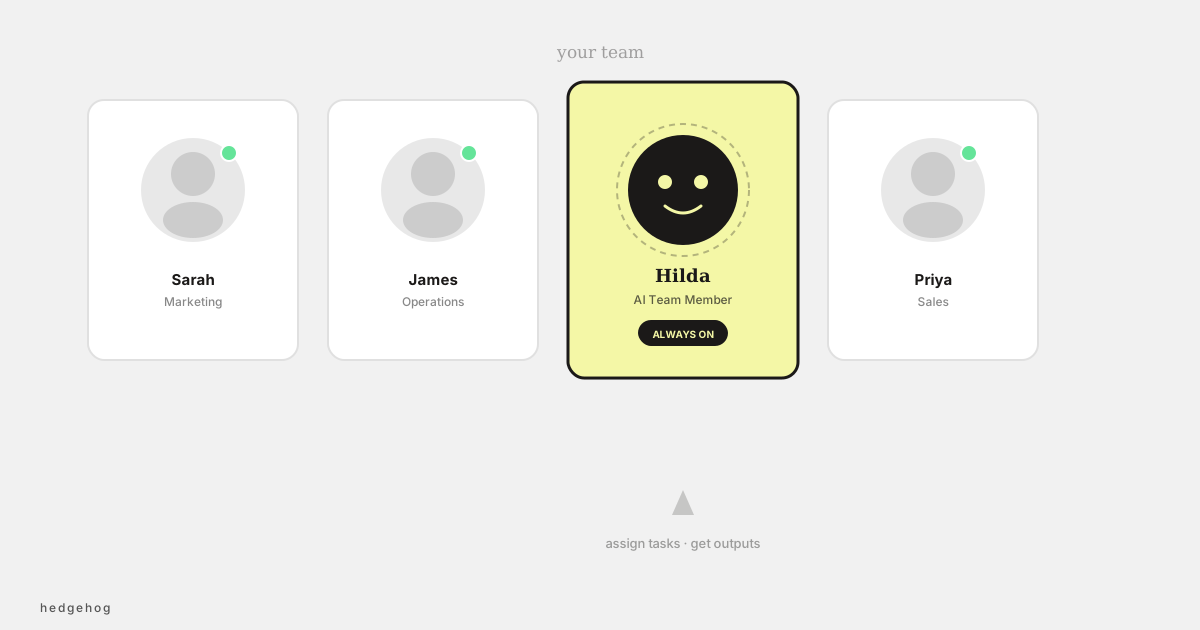
One of the most powerful setups for small businesses is creating a dedicated user account in your project management tool specifically for Claude to operate as. Think of it as hiring a virtual team member.
For example, you might create a ClickUp user called "Hilda CoWork" (or whatever fits your brand). Any task assigned to Hilda gets automatically picked up by Claude, actioned, and returned to you with the output attached - no back-and-forth required.
To set this up:
- Create a new user account in your project management tool with a name that makes it clear it's AI-powered
- Set up a scheduled task in Claude CoWork to check for assigned tasks each morning
- Instruct Claude to deliver outputs as file attachments and tag you in the comments when done
This approach works brilliantly for recurring content tasks - weekly blog posts, social media captions, email drafts, monthly reports - anything with a predictable brief.
#3. Set Up Your First Scheduled Task
Scheduled tasks are where Claude CoWork shifts from a helpful assistant to a true business system. Instead of you prompting Claude every time, you define a task once and it runs automatically on a schedule.
Great first scheduled tasks for small businesses include:
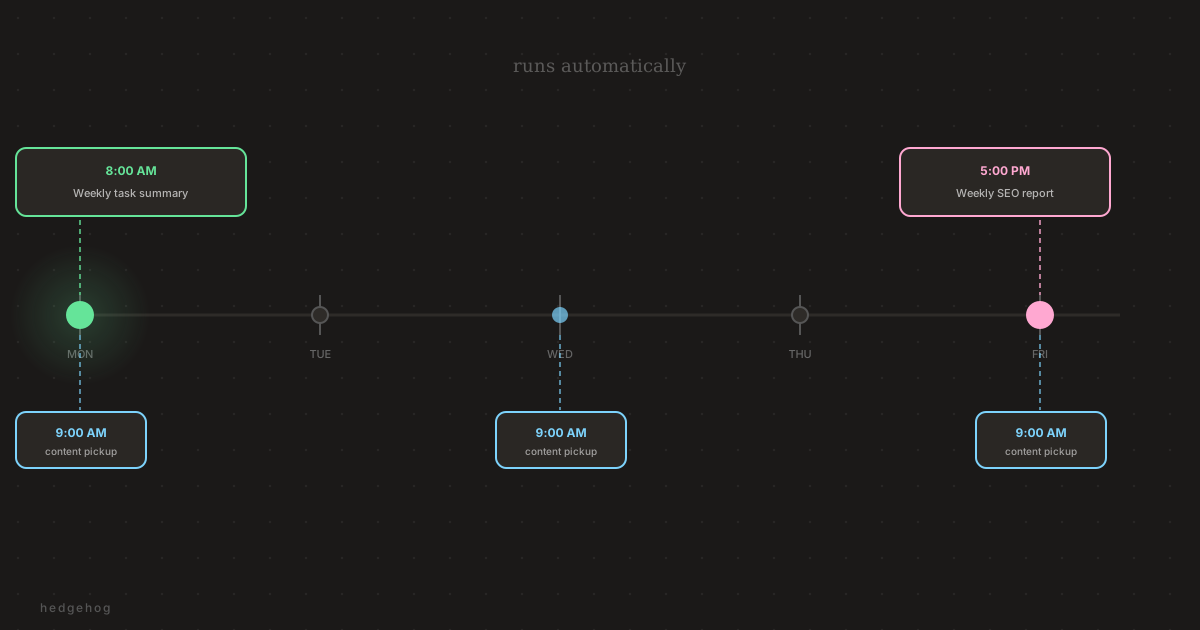
- A daily 9am check of your inbox or project board for anything urgent
- A weekly Monday summary of outstanding tasks and priorities
- A daily content task pickup (like the AI team member workflow above)
- A weekly SEO or social media report pulled from your connected tools
To create a scheduled task, simply describe what you want Claude to do in plain English - no coding required. For example: "Every Monday at 8am, review all overdue tasks in ClickUp and send a summary to the #team-updates Slack channel."
#4. Build Your Brand Voice Profile
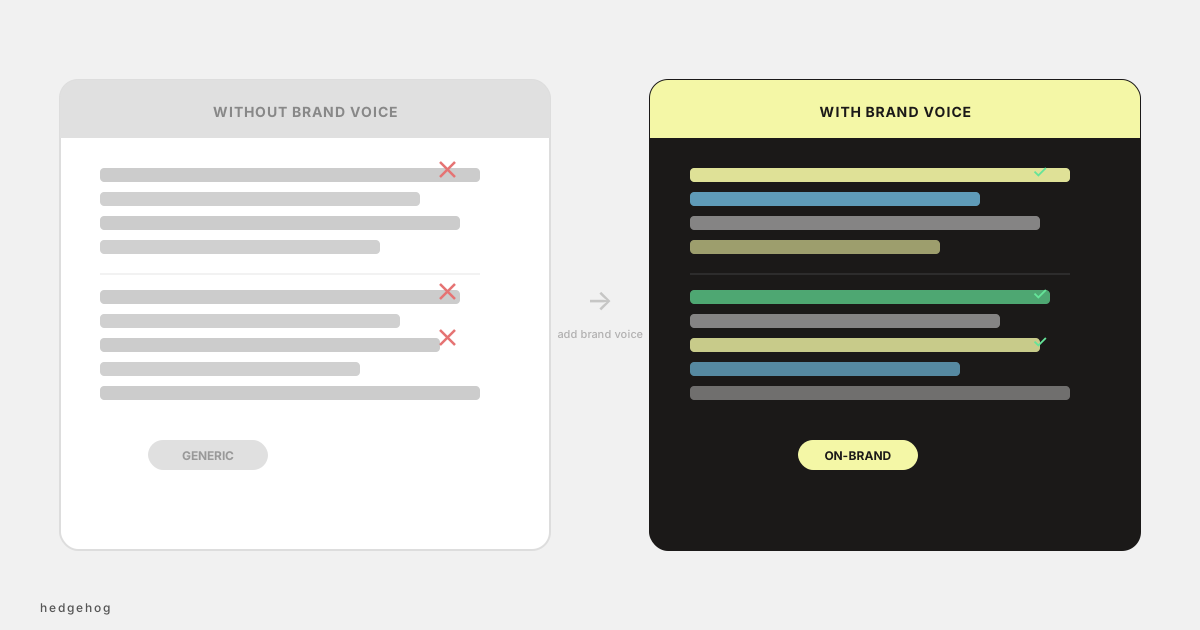
If you're going to use Claude CoWork for content - and you should - the single best investment you can make is giving it a clear picture of your brand voice. This means Claude will write in your tone, use your terminology, and sound like you rather than a generic AI.
Claude CoWork's brand voice tools can pull from materials you connect or upload (documents from Google Drive, Notion, or Confluence) and generate a draft set of guidelines from them. You do need to actively point Claude at those sources (it won't crawl your platforms without prompting), but once you've shared a handful of examples, it extracts the patterns and turns them into a working brand voice profile. Or you can simply upload a few examples of content you love and let Claude extract the patterns.
Once your brand voice is set up, it applies to every piece of content Claude creates - blog posts, social captions, email sequences, proposals - all of it.
Clients who set up brand voice first consistently report that Claude's content outputs require far less editing. It's worth doing before anything else content-related.
#5. Pick One Repeating Task and Fully Automate It
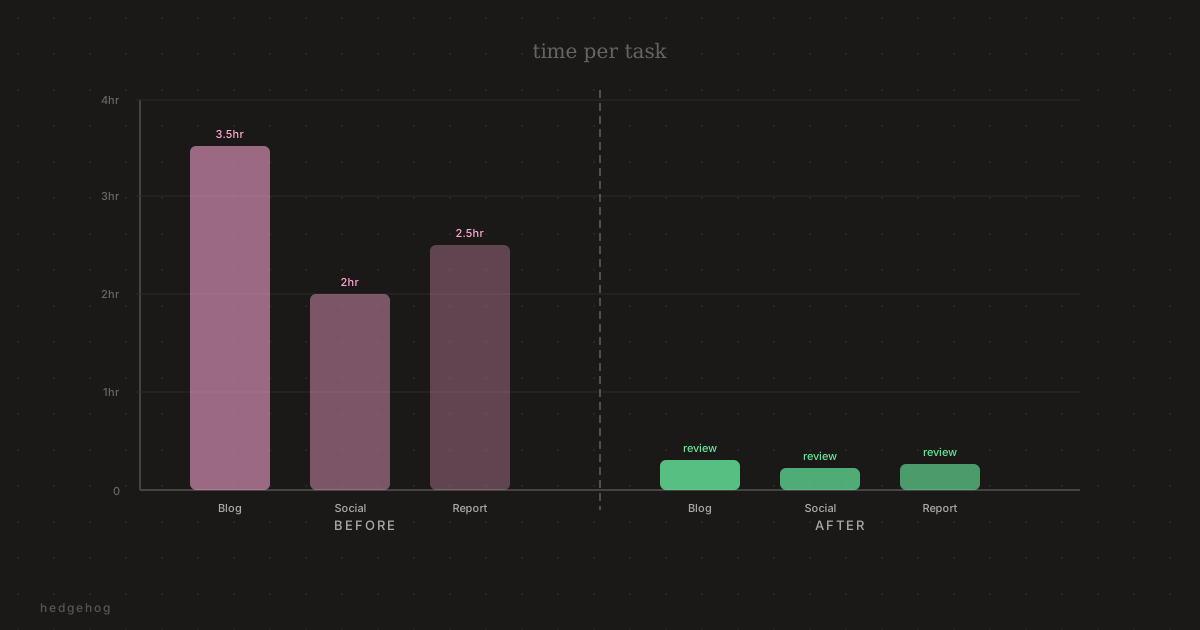
The biggest mistake most small businesses make with AI tools is using them for one-off tasks only. That's useful, but it's not transformational. The real leverage comes from identifying a task you do every week - or every day - and handing it off to Claude entirely.
Think about what eats your time:
- Writing the same type of client update every week
- Drafting social posts from a brief
- Summarising meeting notes into action items
- Creating first drafts of proposals or reports
- Pulling performance data and turning it into a readable summary
Pick one. Set it up properly with a clear brief, connected tools, and a schedule. Run it for two weeks. Then add a second. Within a month, you'll have a suite of automated workflows that are changing how your business operates.
#Ready to get started?
If you'd like help setting up Claude CoWork for your business - from tool connections to scheduled tasks to brand voice - the team at Hedgehog Marketing can get you up and running quickly. We've built these workflows for our own agency and for clients across industries.
Reach out to us at [email protected] or book a discovery call through our website.
